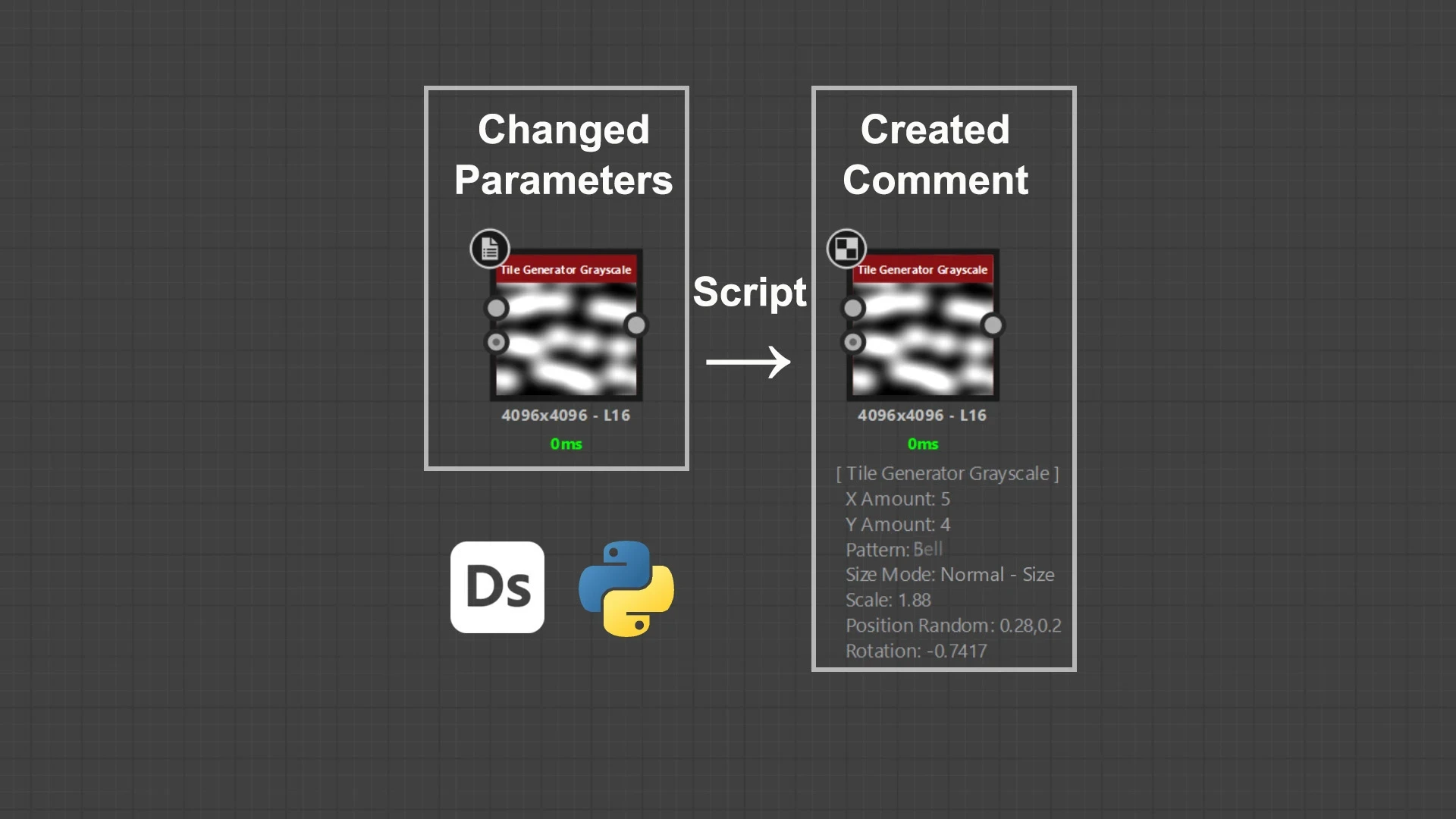
Changed Parameters to Comment Python Script for Substance Designer
Available for purchase on ArtStation! https://www.artstation.com/a/55279019
Python Script for Adobe Substance 3D Designer
Speed up your material documentation workflow with a simple Python script that automatically creates Comment nodes containing only the parameters you've changed. Instead of manually writing down modified values, just select one or more nodes and run the script.
- Creates a separate comment node for every selected node.
- Lists only modified parameters (default values are ignored).
- Automatically places comments below each node.
- Copies all generated comments to the clipboard.
- Supports multiple selected nodes.
- Keeps your graphs clean and easy to read.
- Easy to use.
Perfect for
- Material documentation
- Sharing graphs with teammates
- Creating tutorials
- Recording parameter presets
- Organizing complex Substance Designer graphs
Installation
- Open Window → Python Editor
- Load the downloaded Python script.
- Select one or more nodes.
- Run the script.
The script will automatically create Comment nodes below the selected nodes and copy the generated text to your clipboard.
Compatibility
- Substance Designer 2020 +